Artwork & Print-Ready File Center
Welcome to the Imprints IP artwork resource center. Use these guidelines to prepare files, request artwork help, and find product templates as they become available.
Print-Ready Artwork Checklist
- Correct size: Set your artwork to the final print dimensions or a clearly identified scale.
- Resolution: For small prints viewed close up, aim for 300 DPI at final size. Large-format requirements vary with product size and viewing distance; contact us before enlarging low-resolution files.
- File format: Upload production artwork as a print-ready PDF only. Export your design to PDF; changing the filename extension does not convert the file. A PDF can contain vector or raster artwork, so images must still have adequate resolution at the final print size.
- Bleed and safe area: Follow the product's downloadable template. Where a template specifies it, use 0.125-inch bleed and keep critical text at least 0.375 inch inside trim; these values are not universal for banners, tents, and other specialty products.
- Images: Avoid screenshots, compressed social-media images, and small web graphics for large prints.
- Text: Keep text legible at actual print size. Embed or outline fonts when requested.
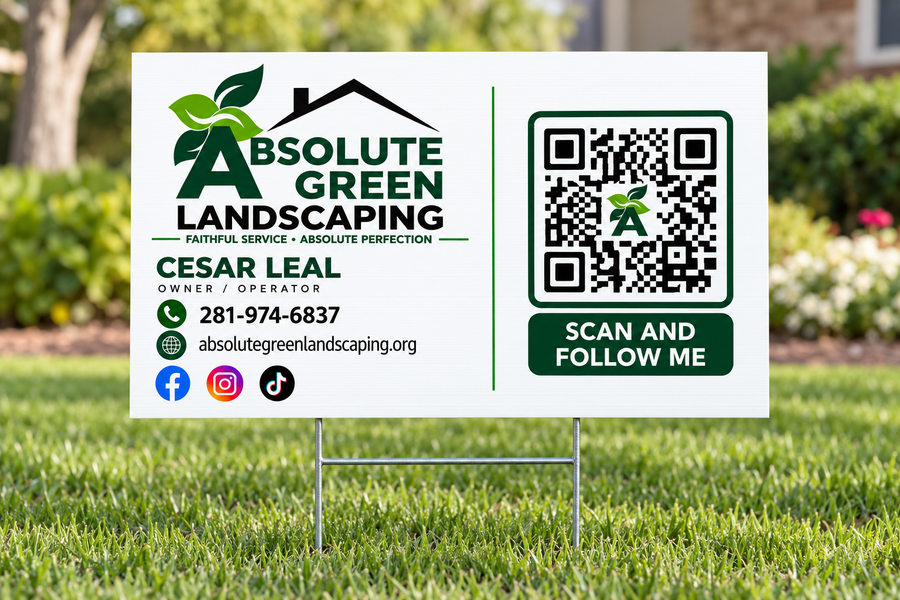
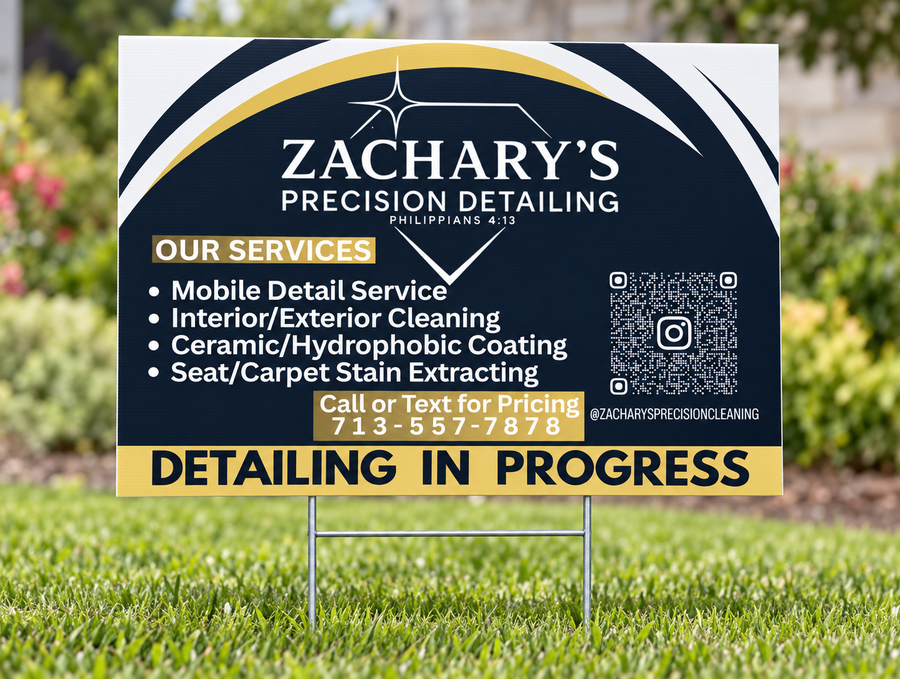
- QR codes: Supply a high-quality code and test it with a phone at the intended printed size.
- Color: Screen colors may vary from printed colors. Ask about color matching before ordering if exact color is essential.
Three Ways to Prepare Your Artwork
1. Upload Print-Ready Artwork
Use the upload field on the product page where available. Submit production artwork as a print-ready PDF only. If you do not have a print-ready PDF, request artwork assistance before production. We review files for common production issues, but this is not a full proofreading or design service.
2. Request Artwork Assistance
Need help with a design, low-resolution logo, background removal, resizing, or a complete layout? Request a quote before work begins. Artwork fees start at $100 for projects requiring setup or design services; the final quote depends on complexity, file condition, and revision scope. More extensive projects may cost more. Your quote will explain the included work and any cancellation terms.
3. Revise and Resubmit
If a file does not meet production requirements, we may ask you to correct it and submit a new file. Production dates may change until the file is approved.
Artwork Assistance Request
When ordering, indicate whether you need artwork assistance. Include your order number, product, dimensions, deadline, and a description of the work required. Request artwork assistance using the option on the product page, where available, or email info@imprintsip.com with your order details. No artwork assistance charge is applied without your approval.
Product Templates & Downloads
Find available product-specific downloads on our Templates page. Additional templates are being checked. Always use the template for your exact product, size, and finishing configuration. If your template is not listed yet, contact us before preparing artwork.
Approval & Production
Check proofs carefully before approval. Required artwork approval and verified payment must be received before production begins. Once production is authorized, changes may not be possible.
Questions? Call or text 281-302-5845 or email info@imprintsip.com.